Certificate expiry alert schedule
One email at 7 days is how certificates quietly expire over a long weekend.
What Let’s Encrypt used to send
Until 4 June 2025, Let’s Encrypt emailed the ACME account contact when a certificate was 20 days from expiry, and again closer in. That mail was about the issued cert, not necessarily the one on the balancer, and it stopped. The replacement is “run your own monitor.”
What a single 7-day mail gets wrong
Vendors that send one notice a week out assume the on-call will see it, have access, and can ship a renew the same day. In practice:
- The mail lands in a shared inbox nobody triages.
- The person who knows DNS-01 is on leave.
- The 7-day window includes a weekend or a change freeze.
- A failed renew then has no second chance before expiry.
Red Sift Certificates Lite (and similar “one email at ~7 days” products) are better than nothing. They are not a schedule. They are a single shot.
30 / 7 / 1
SSLert uses four levels, for both the TLS certificate and the domain registration:
- 30 days — warning. Time to file a ticket, not a page.
- 7 days — urgent. Renew should already have run.
- 1 day — critical. Tomorrow it is over.
- 0 days — emergency. It is expired on the wire.
Each level is sent at most once per 24 hours per domain and channel. That is enough to catch a missed first mail without becoming noise. Free plan checks daily; Pro checks every 15 minutes, so the 1-day and expiry notices are not waiting on a 24-hour tick.
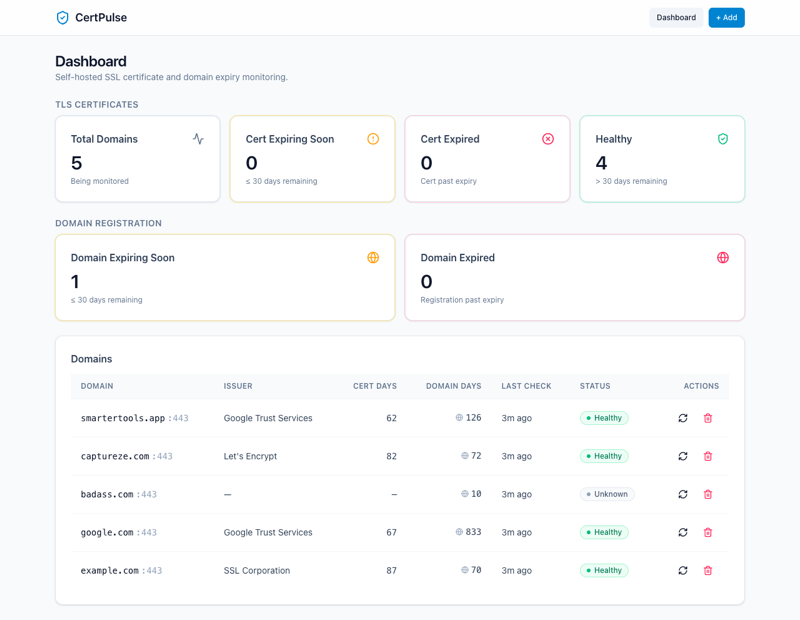
The schedule only helps if you are looking at the live handshake. A CT-only or CA-inbox-only tool can still be wrong while 30/7/1 fires on a stale file. Check the hostname at sslert.com/check.